
A government the party can recognise
Begin with a kingdom, principality, empire, city-state, confederation or republic. Read the ruler and authority descriptions, then adjust the result to fit the institutions in your campaign.
Give adventures a realm to belong to
Who rules beyond the city gate? Prepare governments, provinces, succession and border tensions. Review the public gazetteer and keep the private pressures ready for your next adventure.
Beyond a single settlement
Prepare the realm around an adventure: who claims authority, where resources come from and why a border matters.
Begin with a kingdom, principality, empire, city-state, confederation or republic. Read the ruler and authority descriptions, then adjust the result to fit the institutions in your campaign.
Set two to eight provinces, each with a named seat, resources and pressure. Use these contrasts to frame travel, loyalties and the consequences of a local decision.
Use succession descriptions, legitimacy and unrest as starting points for scenes. Decide who benefits from a disputed claim and what evidence the party could investigate.
Prepare descriptive realm context independently. Local settlement detail, a world canvas, active political schemes and a running war remain separate preparation tasks.
A realm is more than its ruler
The illustration shows a court meeting townspeople beside a river city. Use province resources, trade descriptions and authority tensions to prepare who needs help and who can offer it.
The tool supplies structured realm text. This artwork is illustrative; no pictured city, realm map or political simulation is generated.
From a realm frame to useful context
Inspect retained controls before generating and review public material after every meaningful revision.
Choose realm type, size, geography, stability and province count. Quick chooses government from realm type. Province count is explicit, rather than automatically following each size change.
Deep accepts your government selection and adds wealth, military, magic, religion, centralisation, succession, trade, borders, diplomacy and cultural unity. Quick retains other hidden Deep values; presets partially change the form.
Compare the overall government and pressures with each province. Review names, seats, settlements, player gazetteer and conflict hooks when a revision leaves other sections unchanged.
Save manually to your signed-in account. Choose Player or DM before copying or downloading JSON, inspect print preview, and optionally prepare one conflict for Combat PRO.
What the current tool provides
Use descriptive governments, provinces and tensions as material for your own judgement.
Prepare a kingdom, principality, empire, city-state, confederation or republic. Quick chooses government from realm type; Deep accepts your selected government. Review whether the combination suits your setting.
Read a ruler, authority structure, legitimacy, succession and sources of pressure. These are descriptive preparation passages, not a simulation that resolves law, inheritance or political decisions.
Select the province count explicitly. Each province has a name, seat, resources, pressure, public description and DM detail. Changing realm size does not automatically change the current province count.
Use wealth, trade, religion, magic, cultural unity, centralisation, neighbours and border pressure to frame the realm. The resulting labels and authored descriptions do not calculate an economy or diplomatic outcome.
Reroll an unlocked selected province while retaining its ID, name and seat. Reorder provinces or edit the structured record. Review rewritten descriptions and retained realm summaries for agreement.
Prepare stability variants or revise succession and diplomacy separately. Stability variants replace all provinces regardless of locks. Unchanged succession or diplomacy inputs can produce identical descriptions.
Choose Player or DM before copying or downloading JSON. Player exports contain more fields than the on-screen gazetteer. Inspect the actual exported fields and print preview before sharing.
Save, search, open, duplicate and reopen up to ten earlier result snapshots in your account. Optionally send one selected conflict as a small inactive preparation encounter to a separately owned Combat PRO account.
Several scales of authority
Six realm forms and six presets provide starting frames. They do not establish automatic coherence between every selected control.
Frame a crown or a smaller hereditary realm. Use the capital, ruler, succession and province descriptions to prepare audiences, disputed rights and obligations.
Contrast a larger authority with a concentrated city realm. Size is a label in the dossier; set the number of provinces explicitly and supply the scale your campaign needs.
Explore distributed authority or civic government through descriptive institutions and relationships. Deep permits your selected government; inspect whether it fits the realm form.
Select labels for religion, magic, wealth, diplomacy and cultural unity. Authored passages turn those choices into preparation context, rather than resolving policy, revenue or alliances over time.
Keep the realm with its context
The illustration combines a realm model, heraldic banners and notes. The actual output is a structured text record, province material, private pressures and a player gazetteer.
No graphical realm map, miniature kit or live economy is included. Review exported references after revisions before using the dossier at the table.
Revise with the whole realm in view
Scoped revisions preserve some fields while changing others. Review the retained summaries as carefully as the new material.
A lock blocks direct reroll of its selected province. An unlocked reroll preserves ID, name and seat, but new descriptions and settlement references can mention other generated names. Realm summaries and conflict hooks are not rebuilt.
Stable and fracture variants replace all provinces regardless of locks, along with succession, borders, military, unrest, threats and conflicts. Government, economy, settlements and player gazetteer can remain stale. Different current province counts can fail validation.
Succession revision replaces that section; diplomacy revision replaces diplomacy and allies/rivals. They use retained form settings and unchanged inputs can return identical text. Reordering changes the province list, not derived summaries.
The record identity comes from the seed alone; generation also uses an advancing counter and scope. Seed alone is not replay. Full generation can change realm names and provinces under the same identity and does not preserve locked province content.
Review before sharing
The player view is useful, but limited validation and retained summaries still need your judgement.
Validation checks required sections, at least two provinces, province count agreement and limited forbidden wording or top-level live fields. It is not a semantic audit of references, government fit, economics or every private detail.
JSON editing replaces the record and does not automatically reconcile derived sections. Check province names, seats, settlements, conflicts and the player gazetteer yourself after edits or variants.
Copy and JSON download follow the selected view. Player JSON includes more than the on-screen gazetteer: selected identity, government, settlements, borders and culture. Inspect the actual exported fields for unintended private material.
Print styling hides controls, library, combat controls and the JSON editor. DM view can still print province editing content and the full dossier. Select Player and inspect print preview and page selection before sharing pages.
Choose access for your toolkit
Kingdom & Realm Generator is a paid standalone tool. Begin with a free VISINVOKE account and review the required selection and subscription.
Select Kingdom & Realm Generator individually. Creating a free account does not by itself include paid generator access.
Choose five eligible standalone generators. Review your selected tools and subscription terms in your account; a selection pack does not include every VISINVOKE product.
Choose more selection capacity when it suits your toolkit. Review the actual tools and reselection terms before changing the subscription.
Realm preparation does not require Combat PRO. The optional selected-conflict handoff requires Combat PRO ownership, an empty Standard slot and the current plan limits. Other tools and image products have separate access.

Search by realm name, type or government. Save manually under the existing signed-in Desktop Command Centre session. The current surface has no autosave, tags or private notes controls.
Saving an existing identity keeps up to ten earlier result snapshots. Open, Duplicate and prior-version Open are available. The current surface has no rename or delete button, Compare, Undo or Redo.
Open restores result, selected entries and locks, not form controls, seed or counter. Duplicate changes the record name and identity while embedded summaries can retain the old name. Review selected province and conflict after Fresh.
Send one selected conflict as one objective, one abstract zone, one inactive context note and one opposition preparation shell. No automatic statblock lookup, full realm transfer, graphical map or live state is included.
Repeating the same realm-and-conflict import returns the earlier Combat PRO encounter rather than updating revised material. Review its preparation before activation. No ongoing synchronisation, political resolution, turn state, rolls or live opponent statistics are transferred.
Build your tabletop toolkit
Each card opens that product’s own public website. Review its purpose and access separately; these links do not promise included access or automatic synchronisation.

Discover and open your supported Windows products through one connected VISINVOKE account.

Explore environment packs for tactical locations and the places your encounters unfold.
Review prepared opposition, tune creature statistics and run tabletop encounters with its own access.
Create focused character, monster, item and location images to complement your tabletop preparation.

Create guided commercial visuals for websites, brochures and wider creative projects.

Explore a separate futuristic RPG experience with its own world, characters and progression.
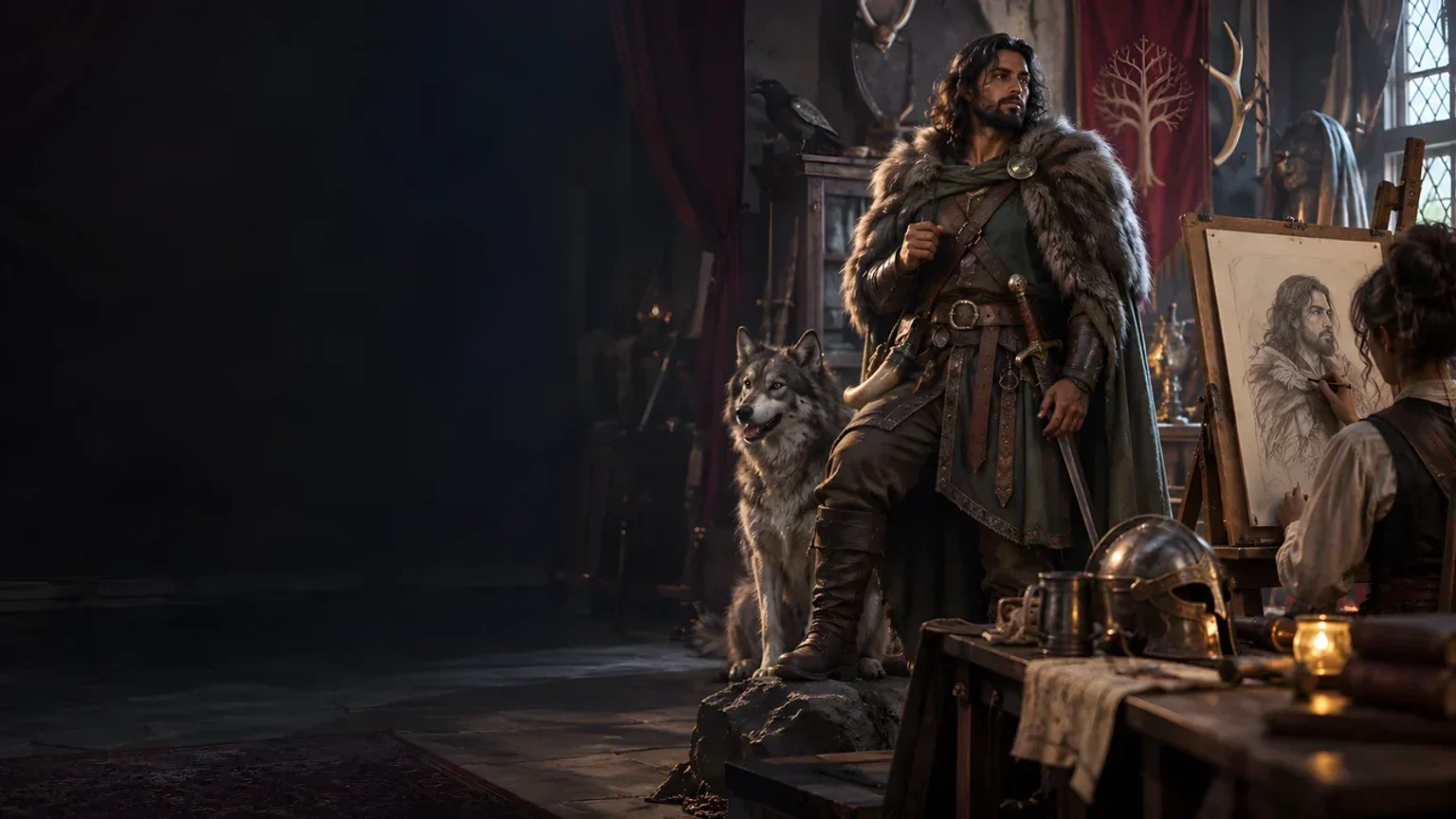
Product artwork illustrates fantasy realm preparation, not application screens or actual generated image output.
Quick answers
Understand the actual controls and export boundaries before opening the tool.
It prepares a structured fantasy realm: identity, government, succession, two to eight provinces, resources, economy, borders, military descriptions, diplomacy, culture, unrest, threats, conflict hooks and player-facing material. Many sections use authored descriptive passages and selected labels. It does not generate a graphical map or simulate political, economic, diplomatic or military outcomes.
Quick chooses government from realm type while retaining other hidden Deep values. Deep accepts the selected government and exposes wealth, military strength, magic, religion, centralisation, succession, trade, border pressure, diplomacy and cultural unity. Six presets partially change retained controls. Set province count explicitly; changing size alone does not update it. Review the whole setup.
A province lock blocks its direct selected-province reroll. Full generation does not preserve locked province content, and stability variants replace all provinces regardless of locks. Variants retain other identity fields, government, economy, settlements and player gazetteer, which can disagree with new provinces. A different current province count can fail count validation. Review names, seats, summaries and references after any revision.
Generation combines seed with an advancing counter and revision scope. Seed alone is not replay; full generation can change names and provinces while keeping the same seed-derived record identity. Save the exact result manually. Opening restores result, selected entries and locks, not form controls, seed or counter. Duplicate changes record identity and name but embedded summaries can retain the old name.
Copy and JSON download follow the selected view. The on-screen player gazetteer shows less than the player JSON, which also contains selected identity, government, settlement, border and culture fields. Edits and stale summaries need manual review. Validation checks structure, province count agreement and limited forbidden fields or wording; it does not prove every secret removed or all references coherent. Select Player and inspect print preview before sharing pages.
One selected conflict becomes one objective, one abstract zone, one inactive context note and one opposition preparation shell. It does not transfer the whole realm, provinces, armies, political state or a graphical map, and it does not look up a monster statblock automatically. Combat PRO ownership, an empty Standard slot and the current plan limits are required. Repeating the same realm-and-conflict import returns the earlier encounter rather than updating it. Review before activation; no live state or ongoing synchronisation is transferred.
Continue in VISINVOKE
Create a free VISINVOKE account and choose the required generator access.
Get Desktop Command Centre from your account installer page. Sign in on Windows, then open Kingdom & Realm Generator.